
How to Make a Music Video: A Guide for Musicians, Bands, and Labels
By KBR
Creating a music video is one of the most powerful ways to promote your music, connect with your audience, and express your artistic vision. While the process can seem daunting, especially for independent musicians and small labels, it’s entirely achievable with the right approach and team. Here is a step-by-step guide to help you bring your next music video to life.
Step 1: Define Your Concept
Before picking up a camera, take time to define the concept for your music video. Consider:
The Song & Story: What emotions or messages do you want to convey?
Your Brand: How can the video reflect your style and identity as an artist?
Your Audience: What visuals will resonate with your fans?
Your Marketing Campaign: In addition to the music video, what content can you capture for your marketing campaign?
Create a mood board or playlist of inspiration from other music videos, films, or art to guide your vision.
Step 2: Set a Budget
Music videos can range from zero-budget DIY projects to high-end productions. Determine how much you can afford to spend, and allocate your budget wisely. Key expenses include:
Equipment (cameras, lighting, and props)
Location rentals
Crew (director, cinematographer, editor, etc.)
Post-production (editing, color grading, special effects)

Photo by Media Photos | Adobe Stock
Step 3: Assemble Your Team
Even if you’re working with limited resources, having the right people on board can make a big difference. Consider collaborating with:
Friends or Fans: Tap into your network for people with filmmaking or artistic skills.
Local Talent: Film students, freelance videographers, or photographers can bring professional expertise at a reasonable cost.
Volunteers: Offer credits, experience, or exposure in exchange for their help.
Agencies: For artists with a decent budget or wanting to make a higher impact, consider working with a talent agency, like Contagion Media.
Step 4: Scout Locations
Your choice of location sets the tone for your video. Look for spots that align with your concept and are easily accessible. Ensure you have the necessary permissions to shoot there.
Consider:
Public spaces (parks, streets, beaches)
Private properties (with owner’s consent)
DIY sets (created at home or in a studio)
Location Rentals + Fee (studios and locations designed for the camera)
Step 5: Plan Your Shoot
A well-organized shoot saves time and minimizes stress. Create a shot list and storyboard outlining each scene, angle, and transition. Plan a little extra time at your shoot for inconsistencies or unexpected delays. When planning shots, constantly refer back to your vision of the final cut for guidance. Costs can quickly add up, so make sure you are prepared before moving on to the production phase of the project.
When planning your shot list, consider that Music Videos often include:
Performance shots (of you or the band playing/singing)
Narrative elements (if your video tells a story)
B-roll (extra footage for flexibility in editing)
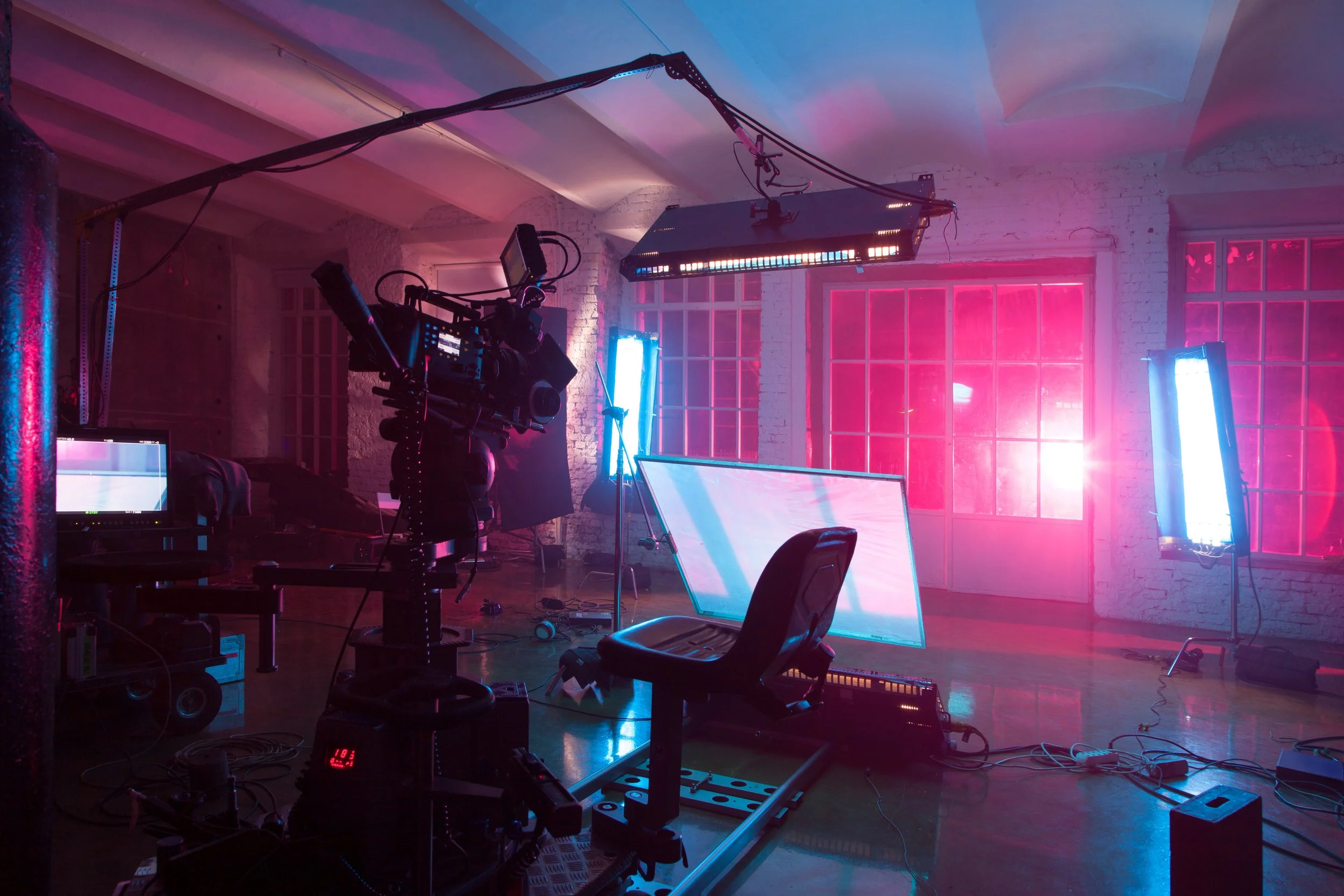
Photo by Pavel Losevsky | Adobe Stock
Step 6: Gather Equipment
If you don’t own equipment, consider renting or borrowing. Essential gear includes:
Camera (DSLR, mirrorless, or even a high-quality smartphone)
Stabilizer or tripod
Lighting (natural light or portable lights)
Speaker or any audio playback device (to sync with your performance)
Audio Equipment (for any additional audio elements you may be adding from the scene)
Step 7: Shoot Your Video
Prior to the shoot, make sure to confirm the details with the team to ensure a smooth production. Provide food, snacks, and drinks for the team to keep the team energized. On the day of the shoot:
Stick to your schedule but stay flexible for creative moments.
Ensure everyone knows their roles and responsibilities.
Capture multiple takes to give yourself options during editing.
Consider capturing behind the scenes for social media use.
Step 8: Edit Your Video
Post-production is where your video comes to life. Use video editing software like Adobe Premiere Pro, Final Cut Pro, or free tools like DaVinci Resolve. Key steps include:
Syncing your footage to the music
Cutting and arranging clips for pacing and flow
Adding effects, transitions, and color grading
Revisions & Exporting Final Version
If editing isn’t your strength, consider hiring a freelance editor, and include them in the production and post-production process.
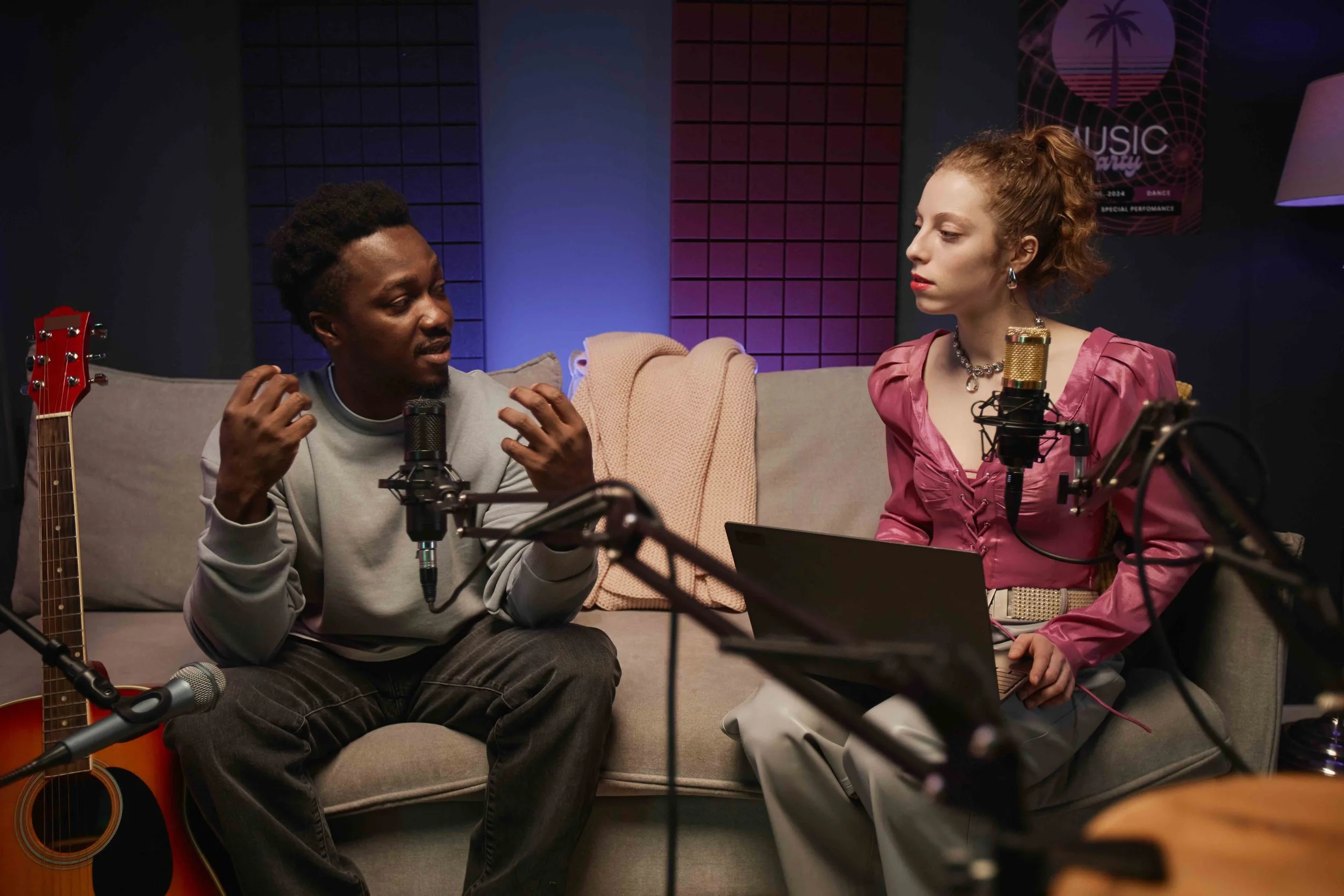
Photo by Seventyfour | Adobe Stock
Step 9: Promote Your Video
Once your video is complete, share it widely:
Upload all content to platforms like YouTube, Vimeo, and social media.
Create teasers and behind-the-scenes content to build excitement.
Collaborate with blogs, influencers, or local media for additional exposure.
When you think you have shared the project enough, keep sharing!
Tips for Success
Be Authentic: Let your personality and style shine through.
Focus on Storytelling: A compelling narrative or concept will engage viewers more than flashy effects.
Learn and Grow: Treat each video as a learning experience to refine your skills.
Creating a music video is a rewarding journey that can amplify your music and expand your audience. With creativity, planning, and resourcefulness, you can craft a visual masterpiece that resonates with your fans and showcases your talent. Need a creative team to help bring your vision to life? Contact Contagion Media to get started.
Edited by KBR on October 10, 2025