By Contagion Media
When Your Art Goes Online: What Creators Should Know About Digital Privacy
Posting a new piece of art used to feel simple. You finished the piece, you shared it, people saw it. Today, that single click sets off a chain of data collection most creators never think about. Every upload carries more than pixels — it carries metadata, location tags, and clues about who made it and where they live.
Where Your Data Goes the Moment You Hit Publish
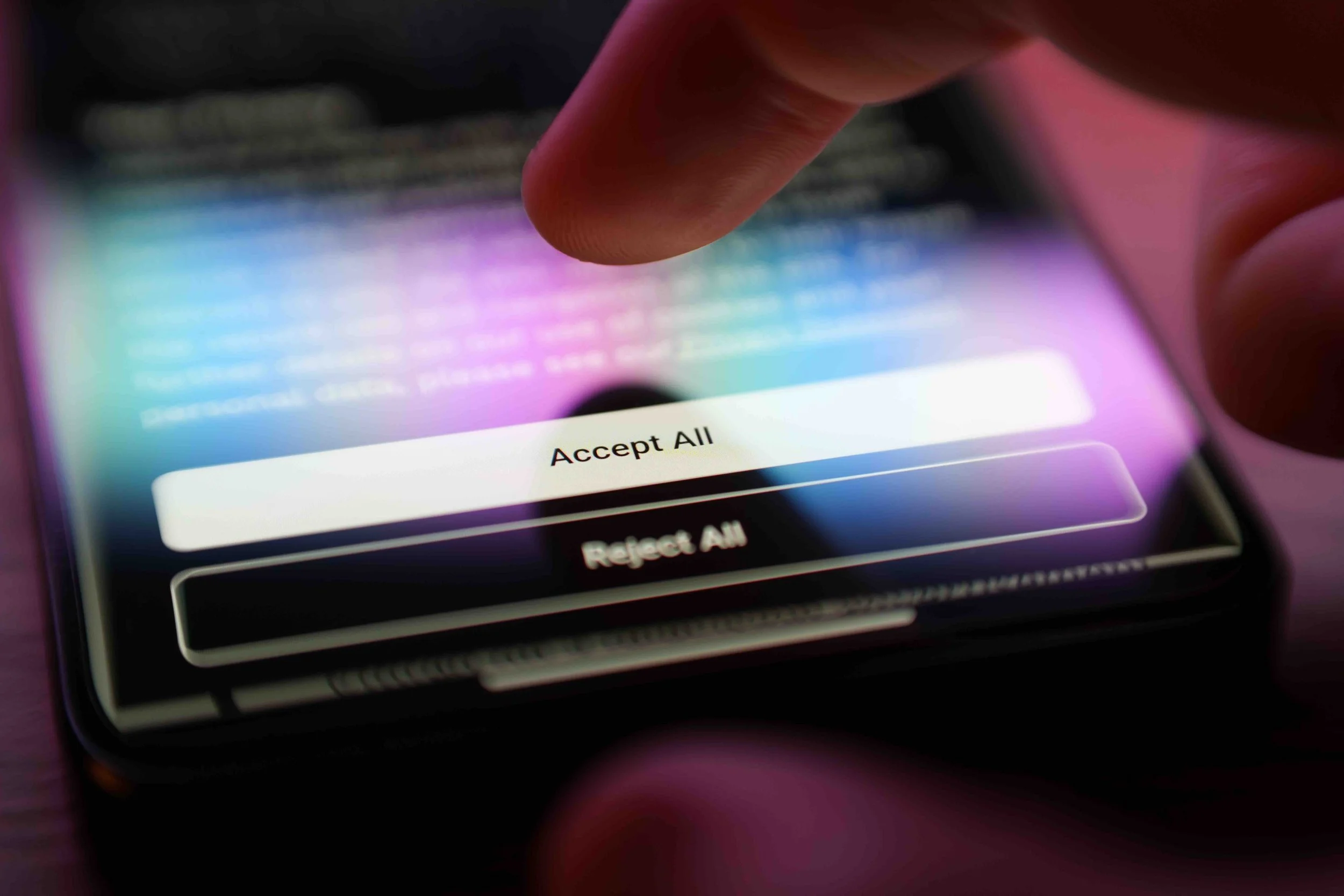
Photo by Rokas | Adobe Stock
Here's the uncomfortable part: platforms rarely explain what happens after you press "share." Image files often contain EXIF data — timestamps, device models, sometimes GPS coordinates accurate enough to point to your actual studio. Few artists think about online privacy when sharing art online until a stranger comments with unsettling detail about where a piece was made.
That’s usually the moment personal information stops feeling abstract and starts feeling exposed. One practical step many creators take is routing their connection through a VeePN VPN before uploading work from home. The secret to online privacy when sharing art—using a VPN—lies in encryption and masking your digital footprint. Personal information is no longer transmitted in plain text, making it impossible to track the user.
Online Privacy for Artists Starts With Awareness
Most privacy problems don't start with hackers. They start with habit. An artist posts a work-in-progress photo from their kitchen table, forgetting the window behind them shows a street sign. Another tags a location because it feels friendly and personal.
Online privacy for artists isn't about paranoia — it's about noticing the small details that add up. A coffee mug with a university logo, a reflection in a phone screen, a file name that still reads "IMG_2024_HomeStudio" — none of these seem dangerous on their own, but stitched together, they can build a surprisingly accurate picture of someone's daily life.
Photo by DC Studio | Adobe Stock
Protecting Your Identity Beyond the Artist Persona
Many artists work under a public-facing name or brand, assuming that alone creates distance from their real identity. It rarely does. Domain registrations, payment processor names, and old social accounts can all link a pseudonym straight back to a legal name within a few searches.
Protecting your identity means checking these connections deliberately, not assuming they stay hidden. A few worth reviewing regularly:
Photo by issaronow | Adobe Stock
WHOIS records for any personal website or portfolio domain
Old forum or DeviantArt-style accounts still carrying a real name
Payment platforms that display full names on invoices or public profiles
Metadata left inside PDFs, portfolios, or press kits
None of this takes more than an afternoon, yet most creators never do it until something forces the issue.
How to Protect Your Data Without Losing Your Audience
Learning to protect your data doesn't require a complete overhaul. Small, consistent choices do most of the work: using separate email addresses for business and personal use, enabling two-factor authentication on every platform that offers it, and using encrypted connections on public Wi-Fi—especially when uploading unfinished work from a café or coworking space. Some artists keep a lightweight VeePN app installed on their laptops specifically for these situations. It is essential to turn it on if you plan to connect to public Wi-Fi networks, and it is also useful for unblocking foreign movies, music, and websites.
Photo by EmmaStock | Adobe Stock
The Social Media Tightrope
Social media is a double-edged sword for creators. You need it to build an audience. But every platform is also a data collection machine.
The first thing to do is audit your privacy settings. Go through each platform you use — Instagram, TikTok, YouTube, X — and check what is public and what is not. Disable location tagging. Turn off contact syncing. Limit who can message you. These are not paranoid measures. They are common sense.
Consider keeping a separate account for your personal life. Your artist account can be public and promotional. Your personal account should be locked down. And never post in real time when you are away from home. That is an open invitation for someone to figure out where you live.
Photo by Grispb | Adobe Stock
Common Privacy Mistakes Creators Make
Mistakes tend to repeat across the creative community, and most of them are avoidable once you know to look for them.
Sharing full-resolution files that retain original metadata
Using the same username across art platforms and personal social media
Geotagging studio spaces or home offices without thinking twice
Ignoring privacy settings on cloud storage used for client files
Reusing passwords across commission platforms, marketplaces, and email
A recent survey among independent illustrators found that a large share had never once checked what information their portfolio site exposed publicly — not out of carelessness, but simply because nobody had told them to look.
Building Privacy Into Your Creative Routine
Privacy habits work best when they're boring. Not a dramatic overhaul, just a five-minute check before each upload: strip the metadata, double-check the background, confirm the location tag is off. It becomes routine fast.
Art deserves an audience. It doesn't need to come with a map to your front door. A little friction between "finished" and "posted" is a small price for keeping your name, your face, and your address your own — while your work still gets seen by exactly the people you want reaching it.
Published by KBR on September 17, 2026